Approve Appointment in Amelia
This article will walk you through how to approve appointments in the Amelia booking system Step 1: First you will need to log into the dashboard of the site. Once you have done this you will need to…

Updated
by Jakob Barker
This article will walk you through how to approve appointments in the Amelia booking system
Step 1:
First you will need to log into the dashboard of the site. Once you have done this you will need to navigate to the amelia section

Step 2:
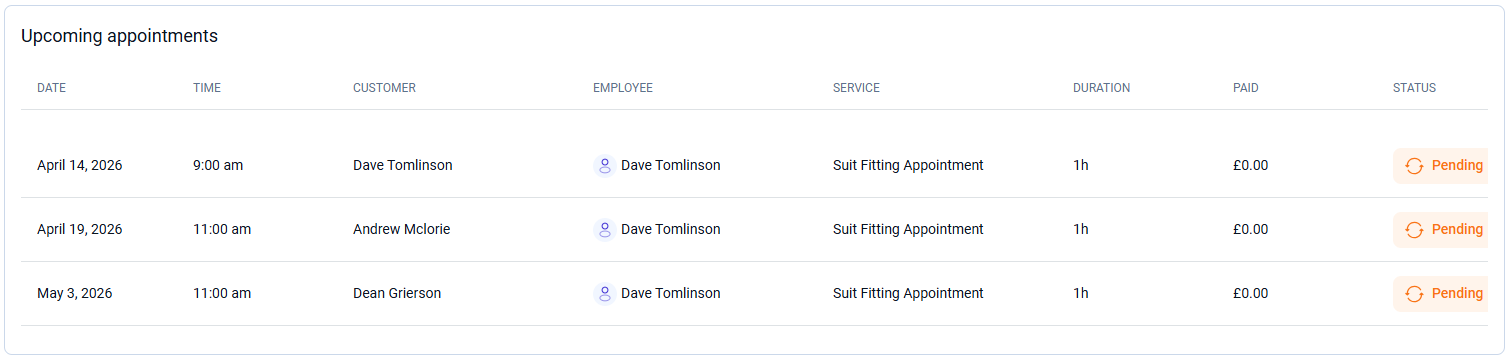
In the Amelia dashboard, you wlll find a list of pending appointments, select one of them to view all details and approve
Step 3:
Using the drop down where it says "Pending" you can change the appointment to approved or any other option that you wish to apply

How did we do?