Elementor Contact Form Submissions
This article will walk you through finding the submissions entered into a Elementor contact form Step 1: Login in to the website by adding "/wp-admin" on to the end of the domain Using your username…

Updated
by Jakob Barker
This article will walk you through finding the submissions entered into a Elementor contact form
Step 1:
Login in to the website by adding "/wp-admin" on to the end of the domain
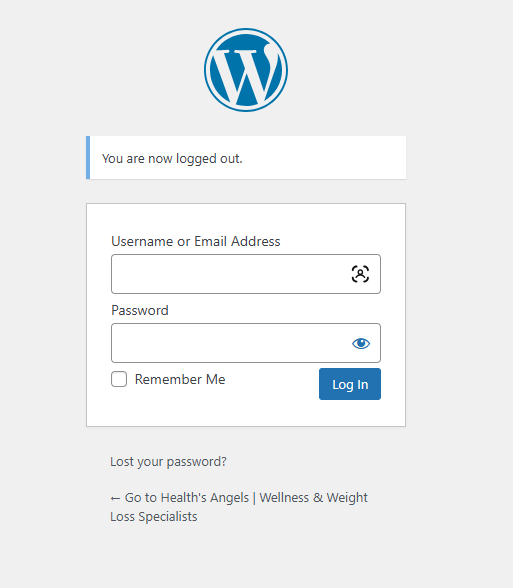
Using your username and password, sign in to the site
Step 2:
Once signed in and looking at the website dashboard
- Click on the Elementor option on the sidebar

- Click on the submissions tab that opened underneath

Step 3:
This is the full list of all submission using the elementor form
You can view the content of the message and the time it was sent.
How did we do?