Accessing webmail
This article will guide you through how to access your webmail account which can be used to send/receive emails, change passwords, add signatures, and so on. First, access the webmail login interface…

Updated
by Zak Guy
This article will guide you through how to access your webmail account which can be used to send/receive emails, change passwords, add signatures, and so on.
- First, access the webmail login interface. To do this, head to yourdomain.co.uk/webmail via your search engine URL bar. (example using our domain below)

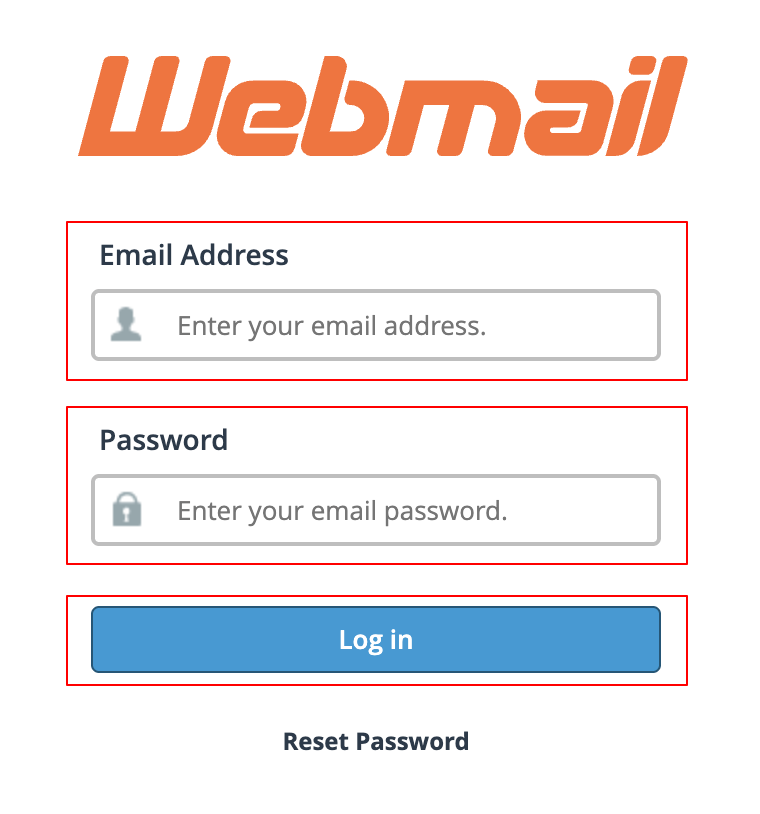
- From here, enter the email address and password provided by OSAM when your email accounts were set up and press the "Log in" button.
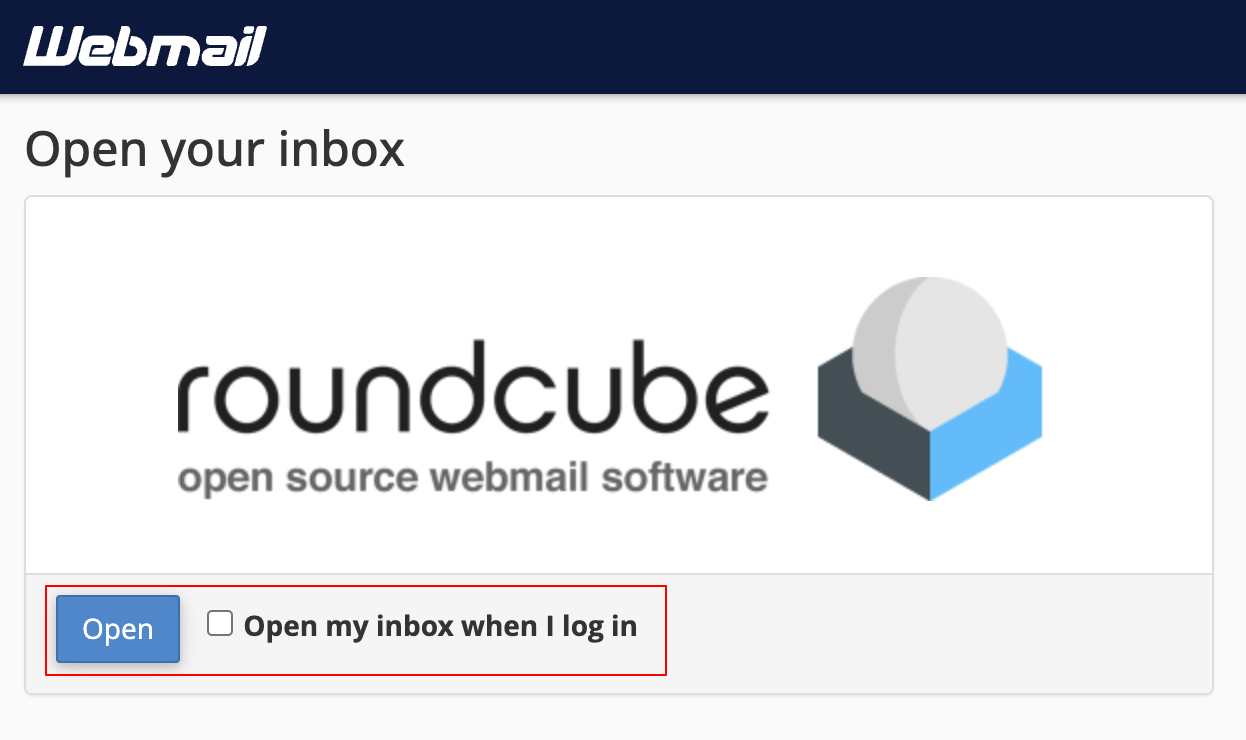
- Once logged in, press the "Open" button to access your email inbox. To make getting to the inbox faster in the future, press the "Open my inbox when I log in" checkbox.
How did we do?
Changing email account password