Google Calendar Integration
Add Amelia to Google Calendar. Navigate to the "Features and Integrations" tab within Amelia. Select "Integrations". Turn on Google Calendar and Google Meet and press "Set Up". Use Google's Sign in m…

Updated
by Jakob Barker
Add Amelia to Google Calendar
- Navigate to the "Features and Integrations" tab within Amelia
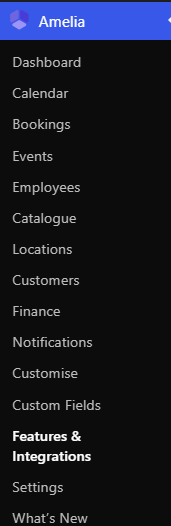
- Select "Integrations"

- Turn on Google Calendar and Google Meet and press "Set Up"
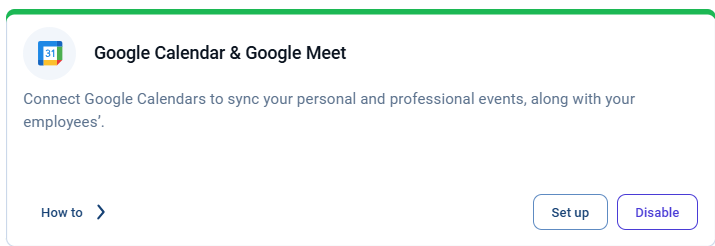
- Use Google's Sign in method to sync with your Calendar

How did we do?
Approve Appointment in Amelia