Stripe developer
This article walks you through the steps of adding us as a developer on your Stripe account. The process for adding a new member. From the dashboard head to the top right hand side of the screen and…

Updated
by Zak Guy
This article walks you through the steps of adding us as a developer on your Stripe account.
The process for adding a new member
- From the dashboard head to the top right hand side of the screen and click on the settings cog.

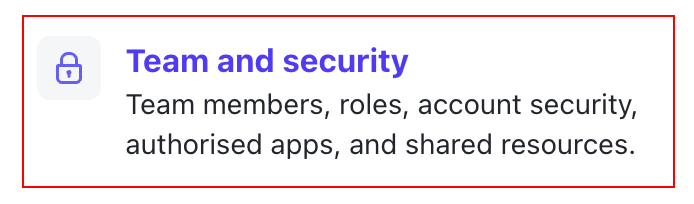
- Once in the settings menu, click on "Team and security" under the heading "Account settings".
- Now press on the button labeled "+ Add member", and enter our email address
techteam@osamweb.comthen ensure the role selected is "Developer" under the "Developer Roles" heading. Finally press the "Send invite" button and we'll do the rest for you.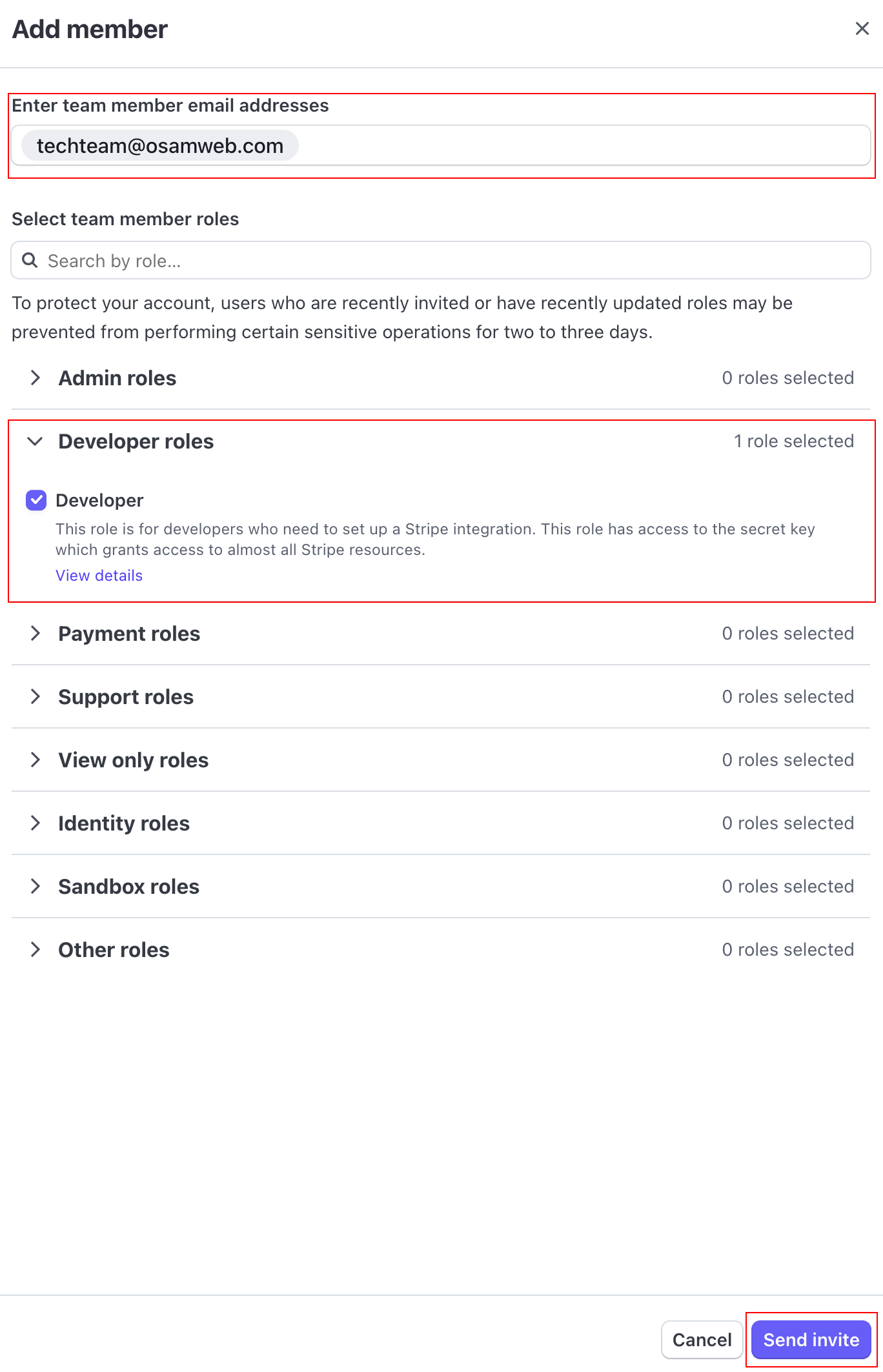
How did we do?
Add a Product