Add a Product
This article will walk you through how to add a product to a WooCommerce store Step 1: Navigate to products section of the dashboard. Select "Add New Product". Step 2: Add product name to this box. A…

Updated
by Jakob Barker
This article will walk you through how to add a product to a WooCommerce store
Step 1:
- Navigate to products section of the dashboard

- Select "Add New Product"

Step 2:
- Add product name to this box

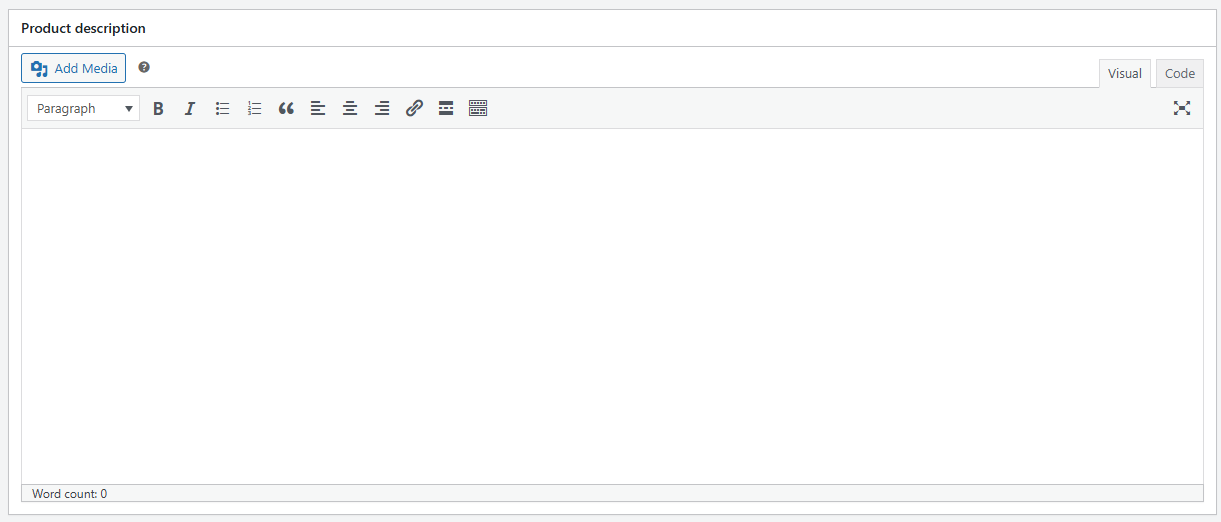
- Add product description here
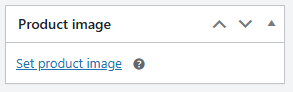
- Add product images by pressing this link and uploading the image files
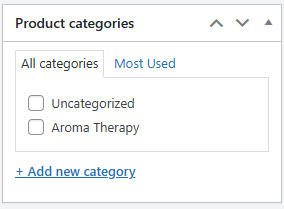
- Add to category, if you do not have any create a category using the link at the bottom of the box
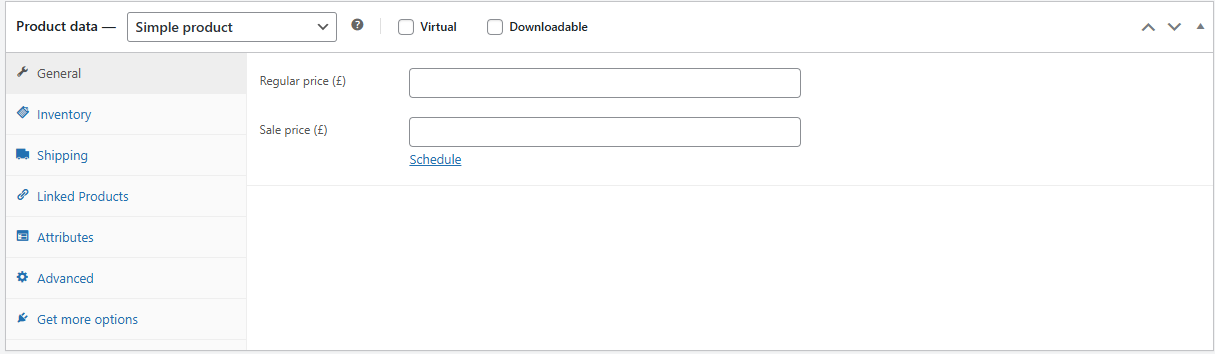
- Add product price to "regular price" box
If you wish to use multiple images, use the product gallery 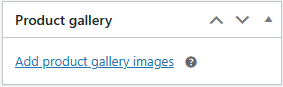
Step 3:
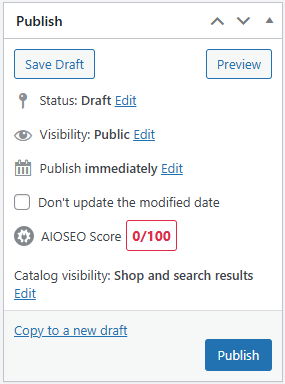
Save your product by pressing publish in the box on the top right of the page
How did we do?
Add a Variable Product
Stripe developer