PayPal developer
This article walks you through the steps of adding us as a developer on your PayPal business account. The process for adding a new user. From the dashboard head to the top right hand side, click on y…

Updated
by Zak Guy
This article walks you through the steps of adding us as a developer on your PayPal business account.
The process for adding a new user
- From the dashboard head to the top right hand side, click on your profile picture and then "Account settings".
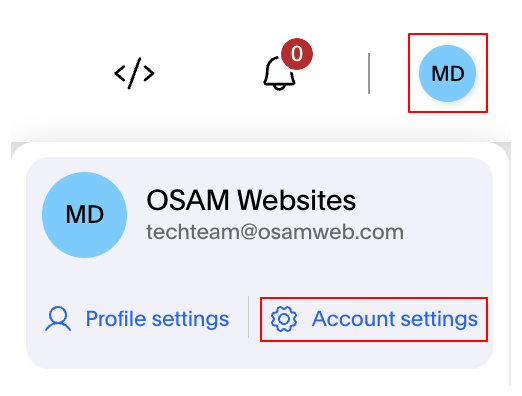
- Next, ensure you are on the "Account access" tab then click "Update" next to Manage Users.

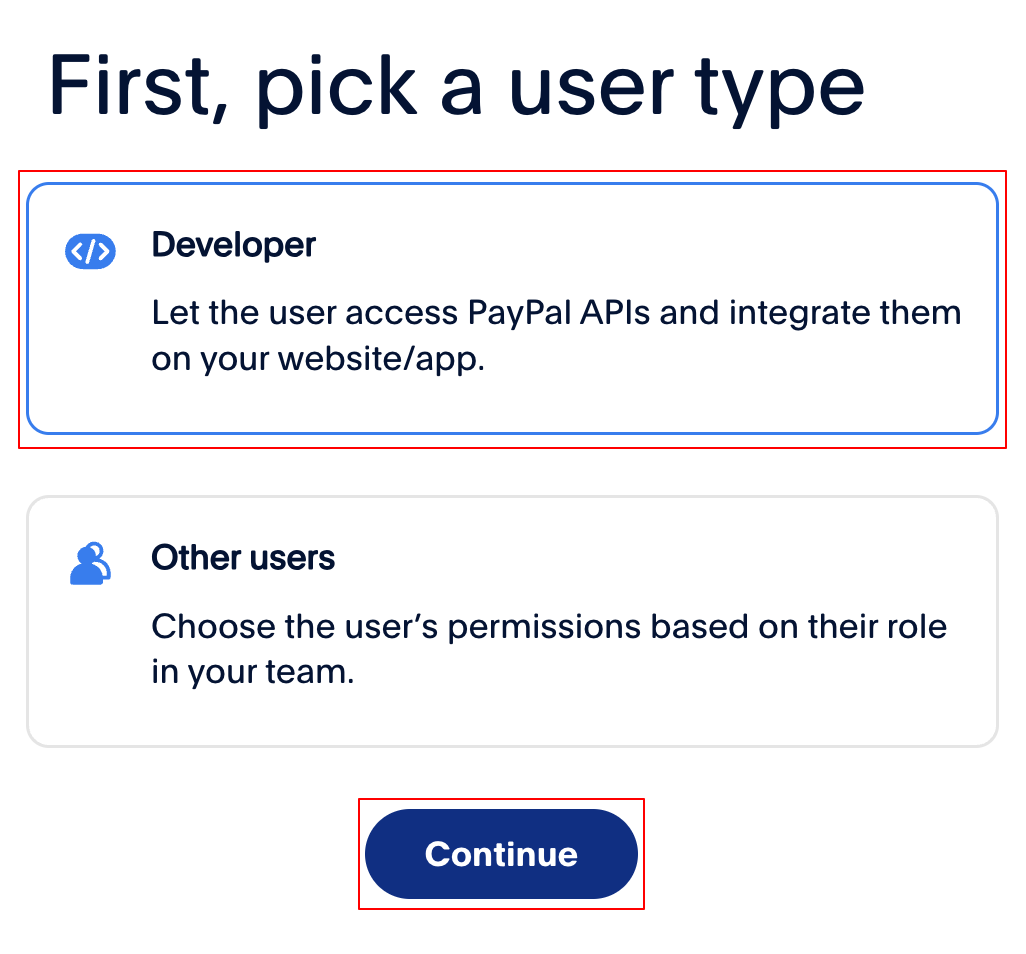
- Click the "Add User" button, then the "Developer" option and press continue.

- Enter our email address
techteam@osamweb.comand ensure the checkbox below is ticked, press "Invite" and we'll do the rest for you.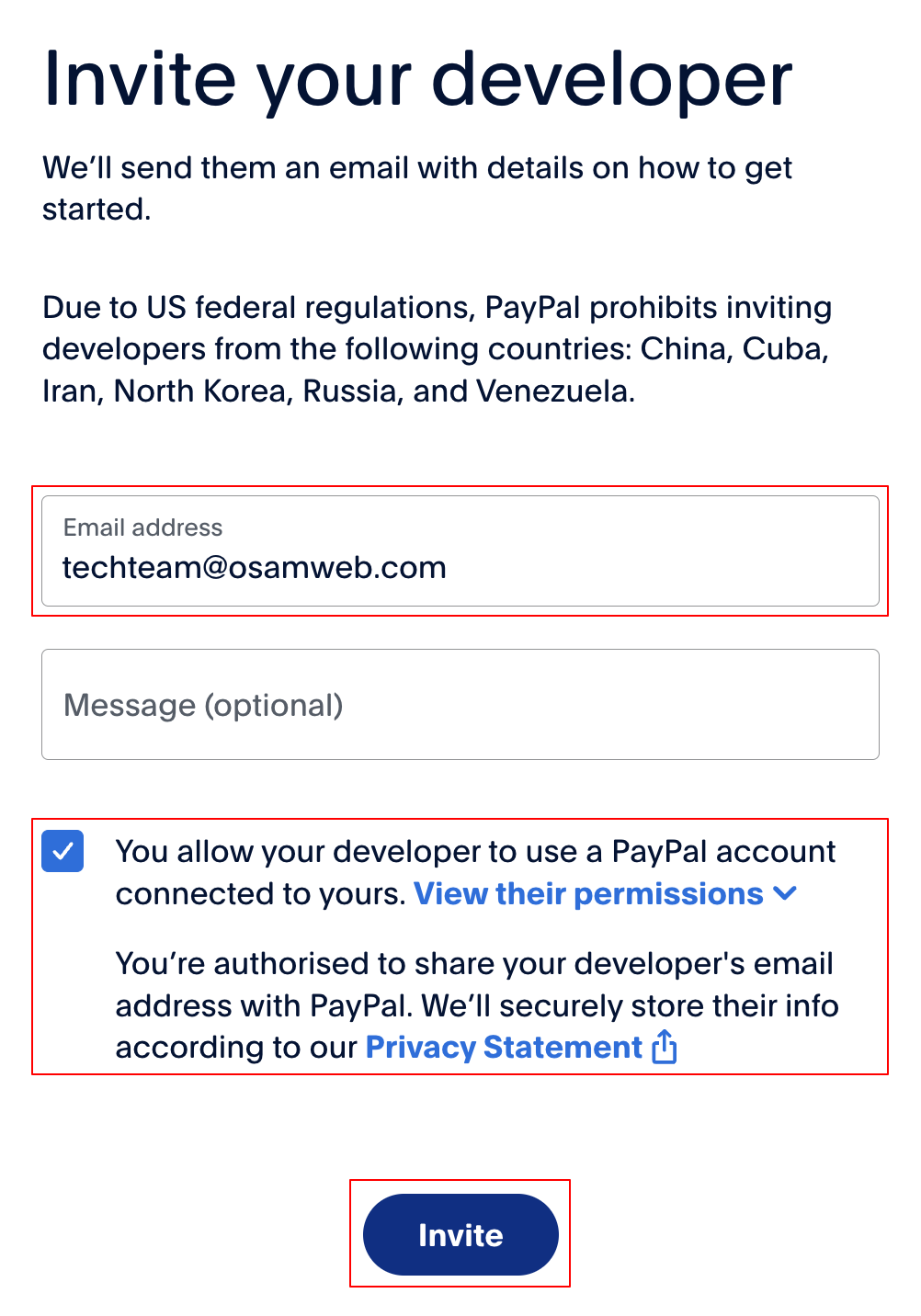
How did we do?
Change Customer Role
Add a Variable Product